“Vibe Coding” Video Games with Grok and Replit
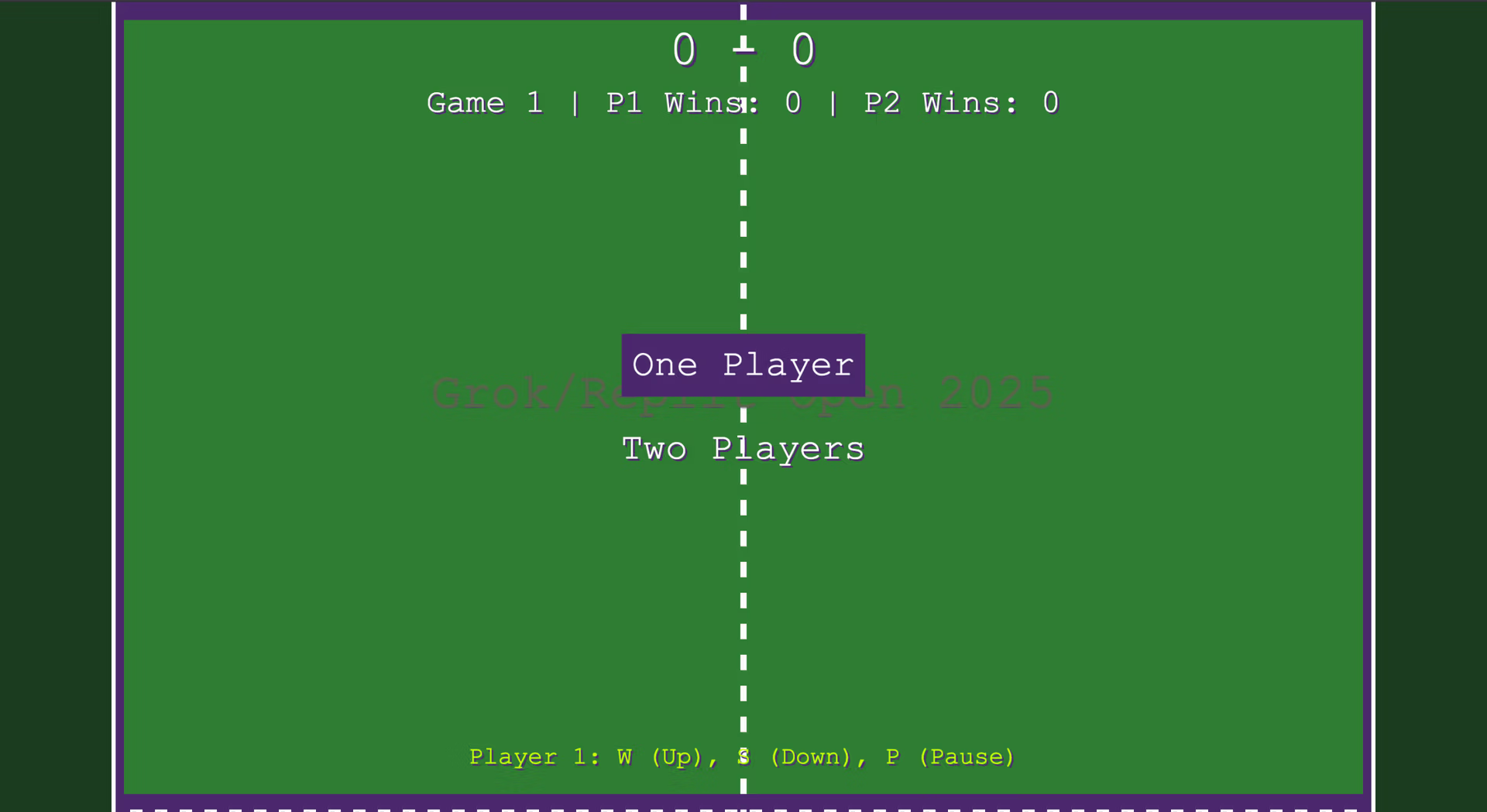
While the phrase “vibe coding” may make the experienced (aka old) amongst us cringe as a term, the results are absolutely noteworthy and inspiring. Not only did I code a Pong clone with the Wimbledon color scheme, the HTML and CSS for this entire post was actually generated from about a paragraph worth of prompting into the free version of Grok.
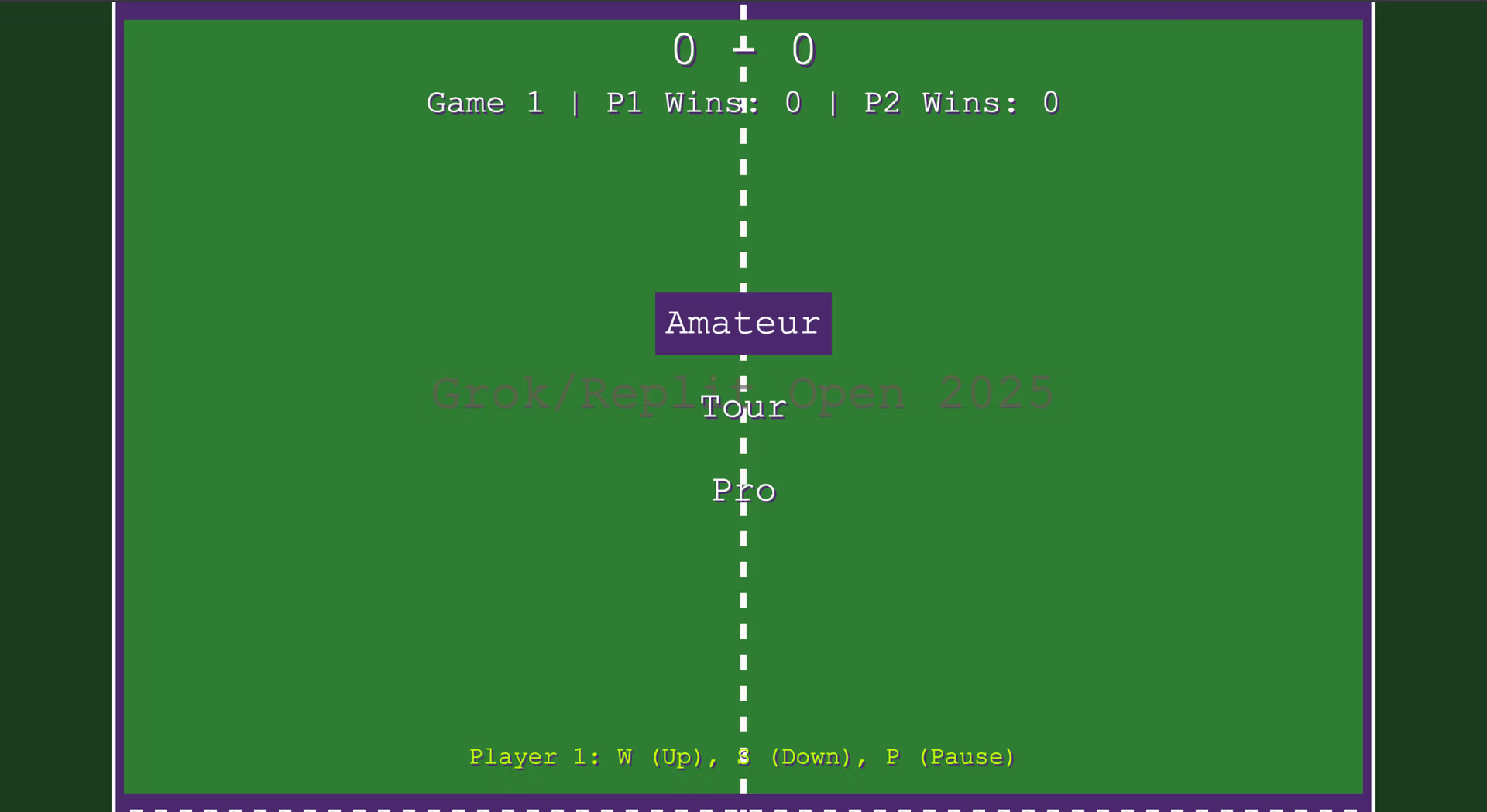
Admittedly I already found a bug that needs to be fixed when showing the game to my wife the first day. On the difficulty selection page the selector doesn’t move smoothly, but for a game that was created in bursts of 10-15 minutes with a total invested time of 1-2 hours, I’m happy with the results.
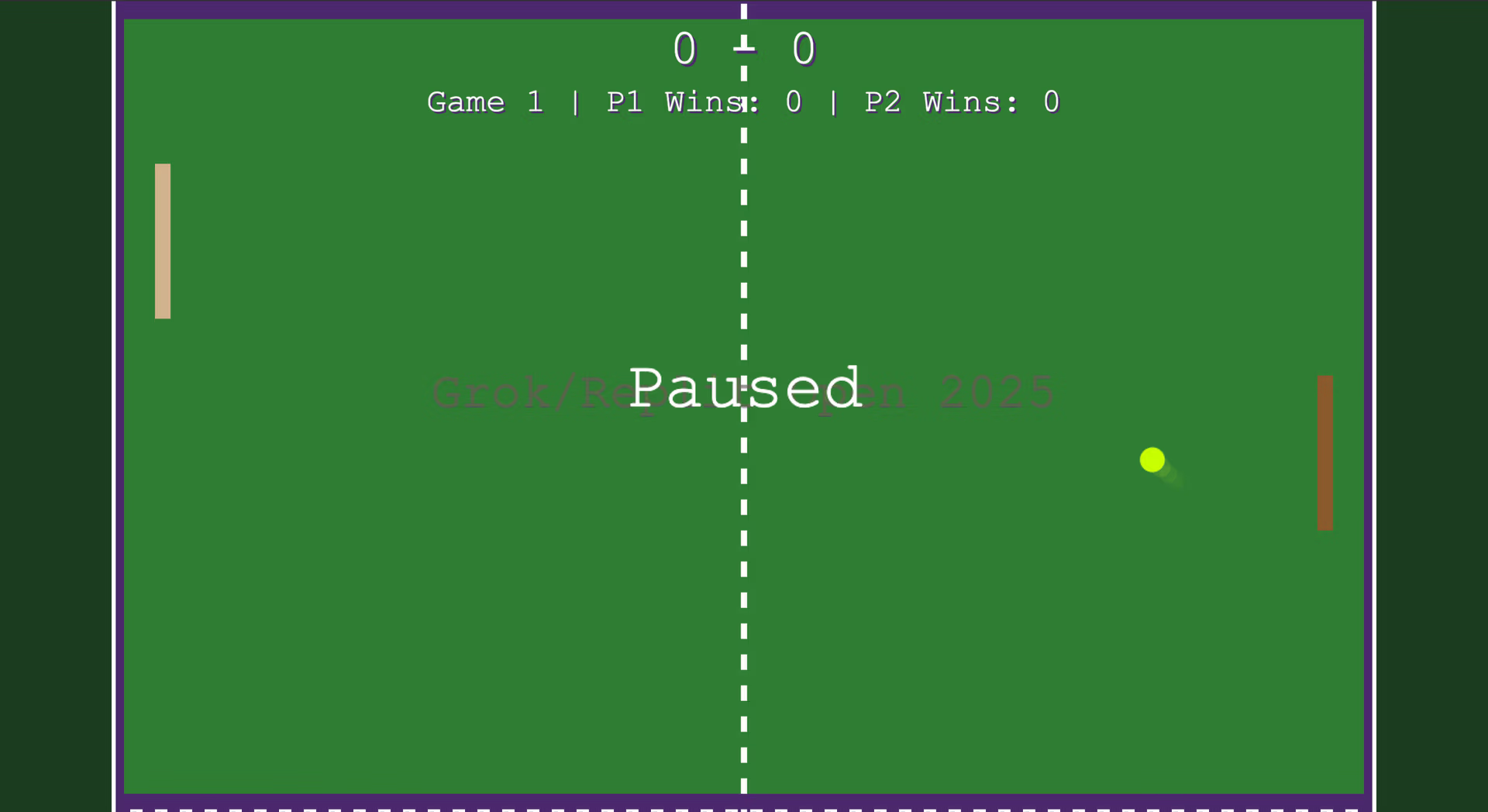
It’s the small items that really made me appreciate the game like the ability to press the “p” key to pause the game or the different colored wood for the paddles. That even extends to this post. I’ve now spent way more time refining the HTML and CSS of this post than I did on the game at all in the name of getting the presentation to look better and links to work within the framework Grok provided.
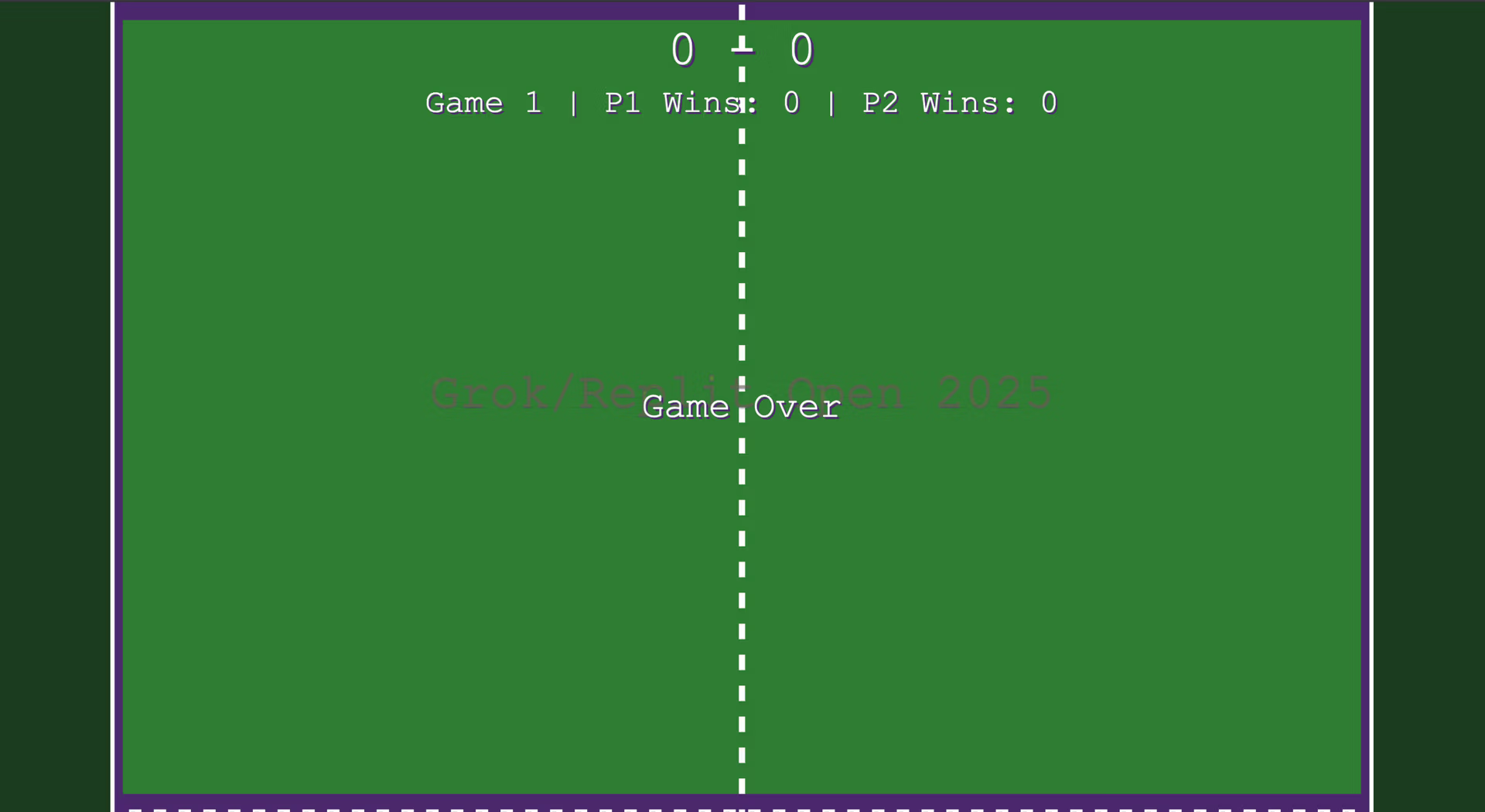
By pressing the “esc” key you can end the game and then the screen will return to the main page after 5 seconds. Another cool detail Grok even added to this post is how if you hover your cursor over the attached images they zoom in for a better view without having to open another tab or page.
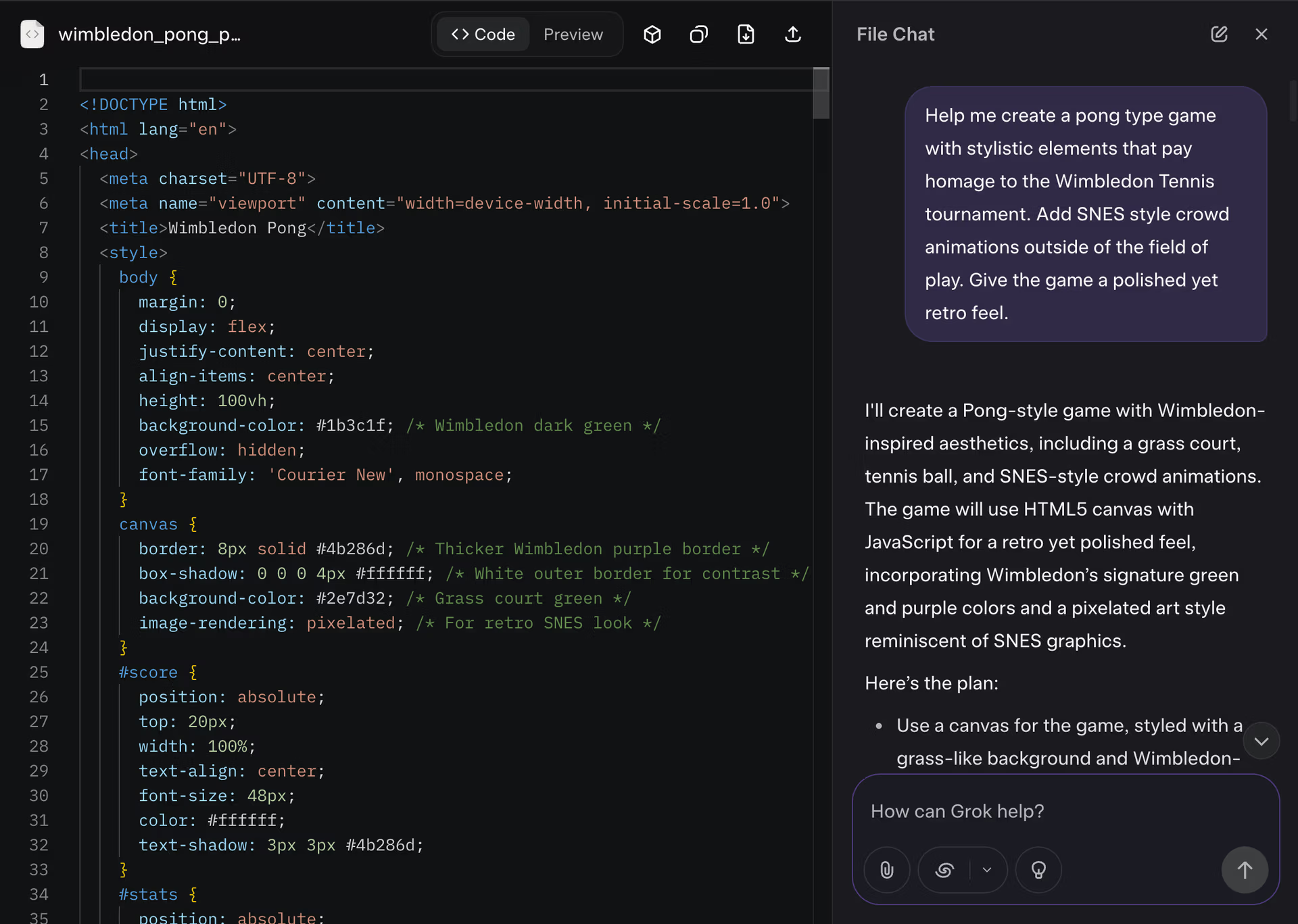
I got the idea for the game and publishing from the Grok 4: Deploy a game in under 2 minutes video by @mattppal who works for Replit and is constantly putting out killer content on how to generate new and more impressive apps using the platform.
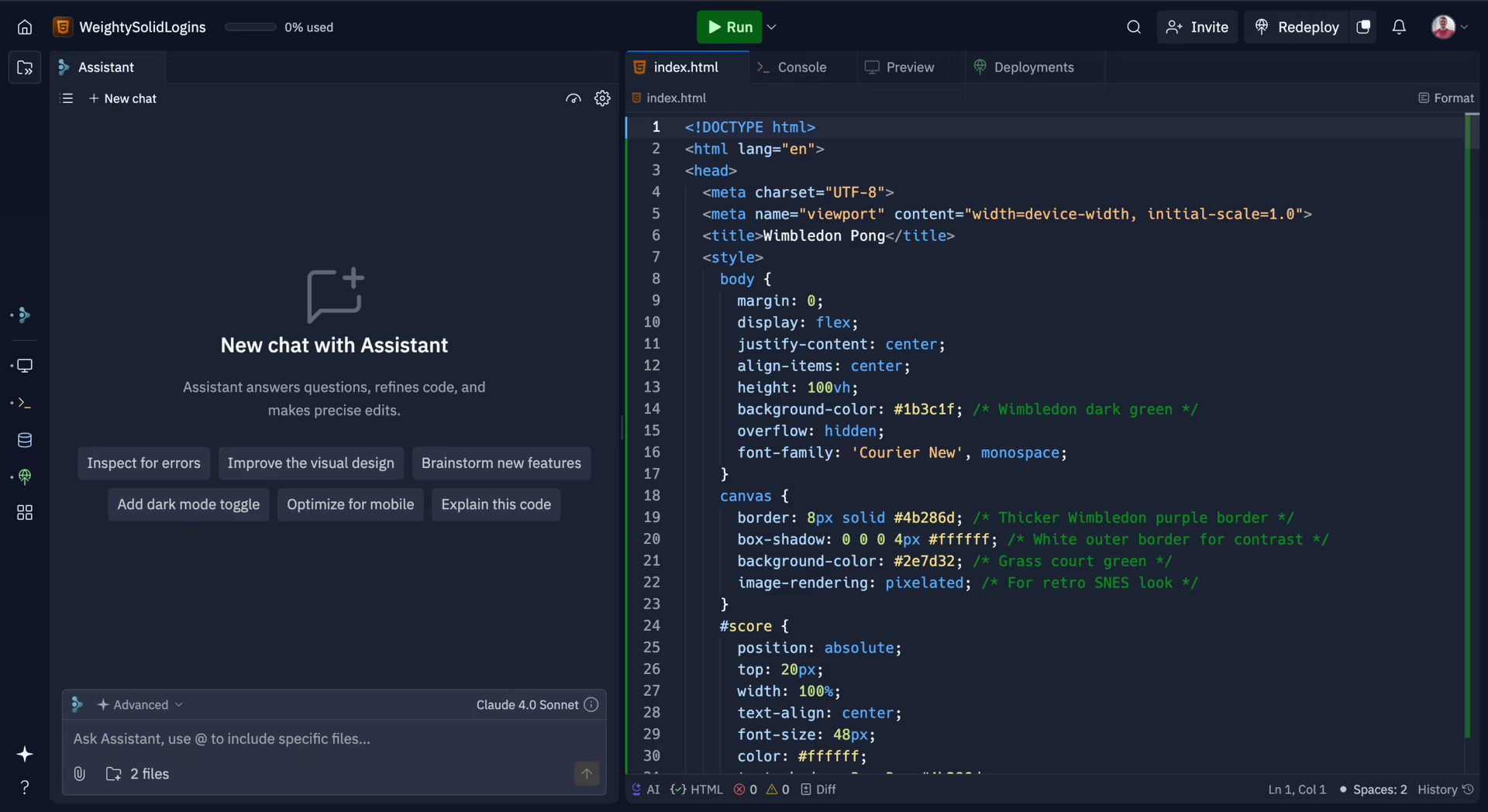
The app was published quickly and for free using the Replit free tier and could not have been a smoother process. All I had to do was paste in the code that Grok generated and I was off to the races!
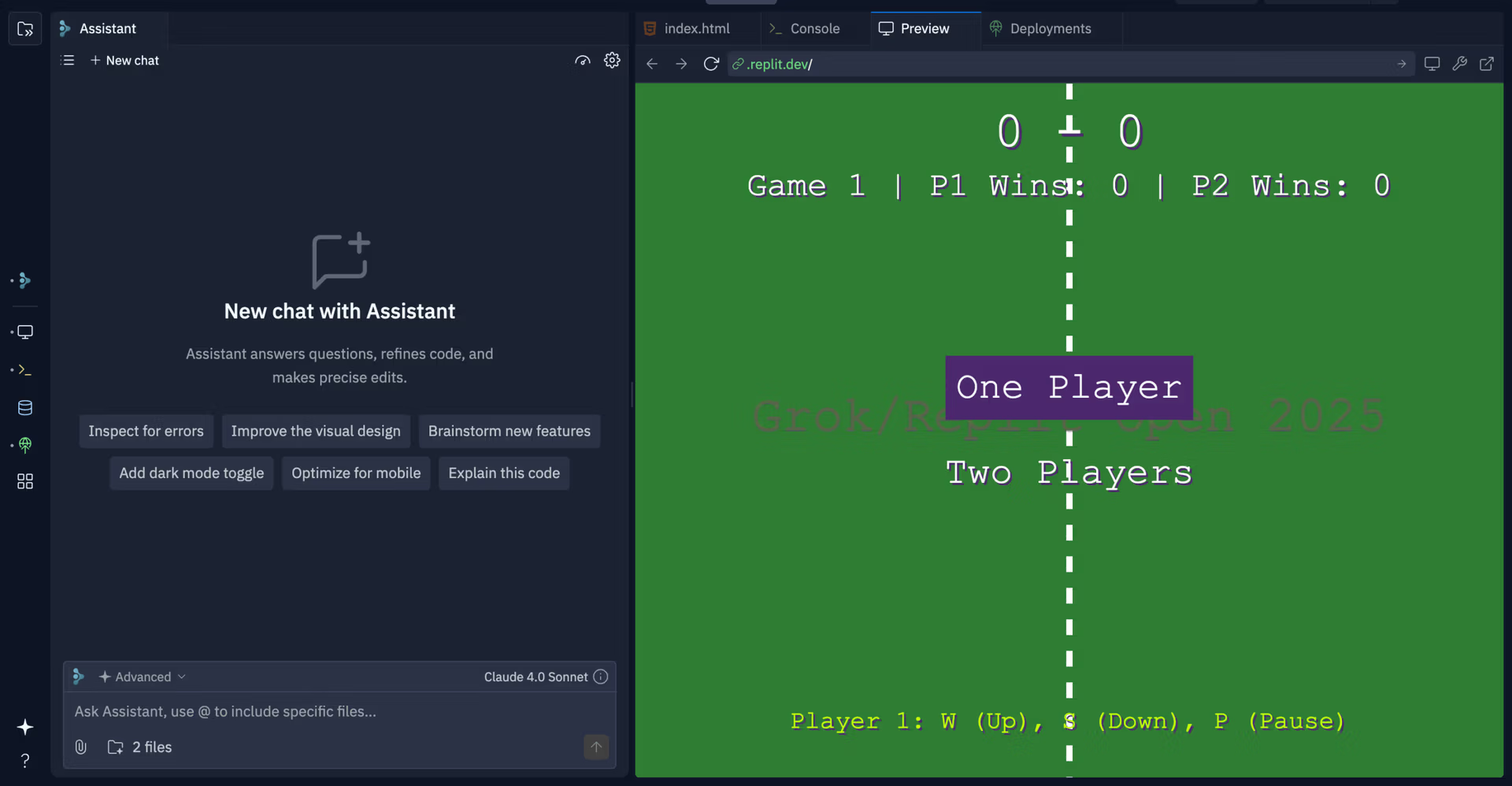
Both Grok and Replit have excellent application preview windows that allow you to see your development in real time as you work. For Replit you can get even more granular by looking over each potential platform and how the app presents. Currently my game only works on a desktop PC, but adding additional functionality would certainly be an easily executed task.
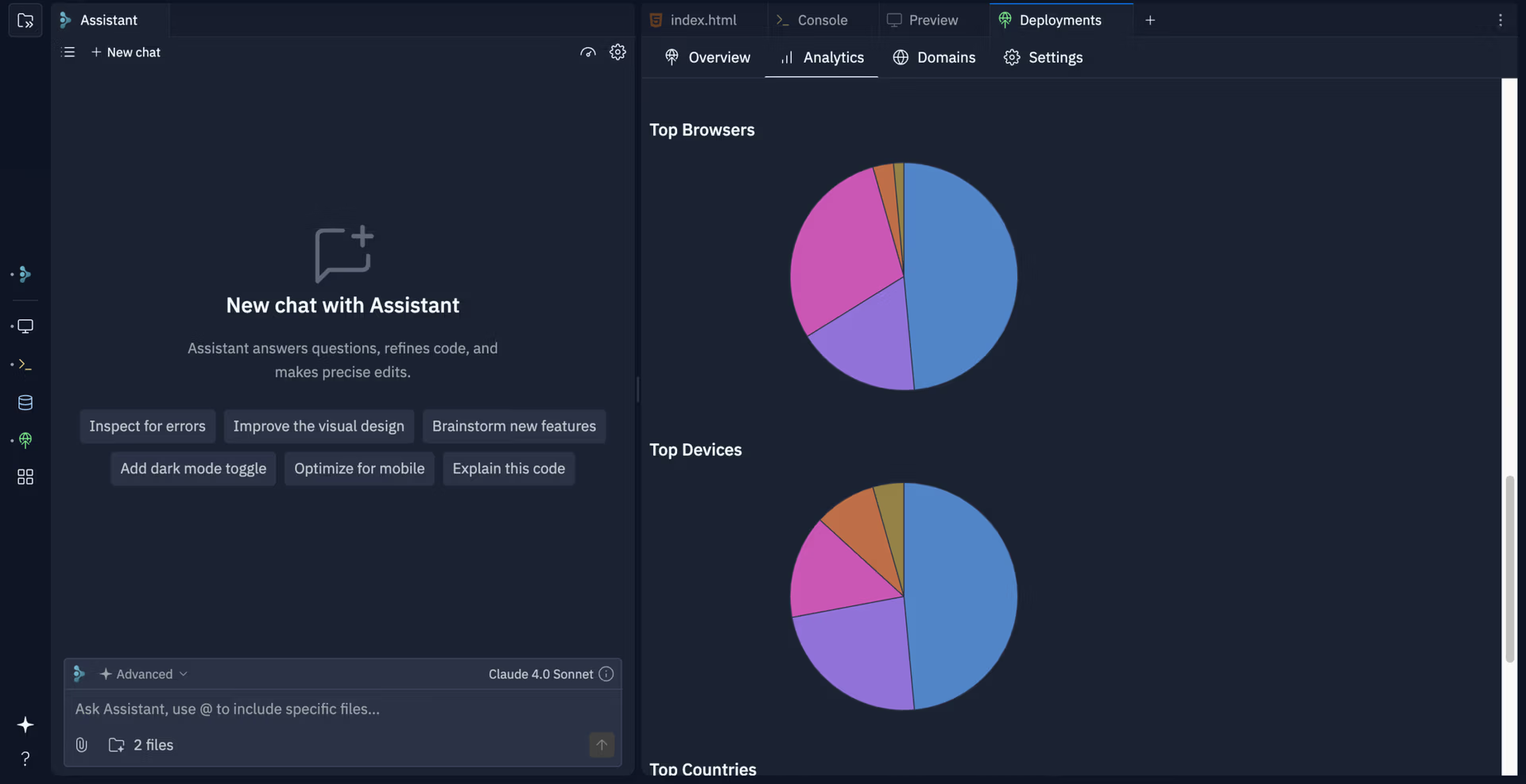
If you’re data hungry about the performance and metrics of your app Replit has you covered. I can see where every user is located, how long they play, just about anything you could every want to know about how your customers are interacting with your product. This would be excellent for quick iteration and testing features.
August 2026 update — Version 2
The Replit free host expired, which is a shame because getting it up the first time could not have been a smoother process. I moved the game onto this site so it would not vanish, then I went back in with Grok and cleaned up the parts that were fighting me.
Admittedly there was more to fix than I first thought. The menus were keyboard-only and the arrow keys skipped a mile if you held them. You could not click anything even though it looked like you should. The instructions sat in the bottom of the window instead of on the court, and Amateur / Tour / Pro were mostly the same computer with different amounts of jitter. Pro did not miss. The scoreboard floated on the page instead of the court, the ball could sail through the crowd, and the purple border did not match the collision edges. The grass was a flat green fill and the bats were two rectangles.
Version 2 is the same Wimbledon idea with a court that actually sits inside the lines. Grass, seat cloth, and wooden bats are real surfaces now. The opponent behaves differently on each skill — Amateur is late and sloppy, Tour is a club match, Pro reads the bounce and still is not perfect. You can click the menus, use the mouse while the ball is in play, and read what the keys do without guessing.
I had both games sitting in boxes on this page at first. Version 1 got cropped and version 2 was too small to actually play. They now open in their own windows so you get the whole court. I also made them work on a phone — drag on the court to move. Two people can take a half each. Full screen is a button on the court if you want the browser chrome gone too.